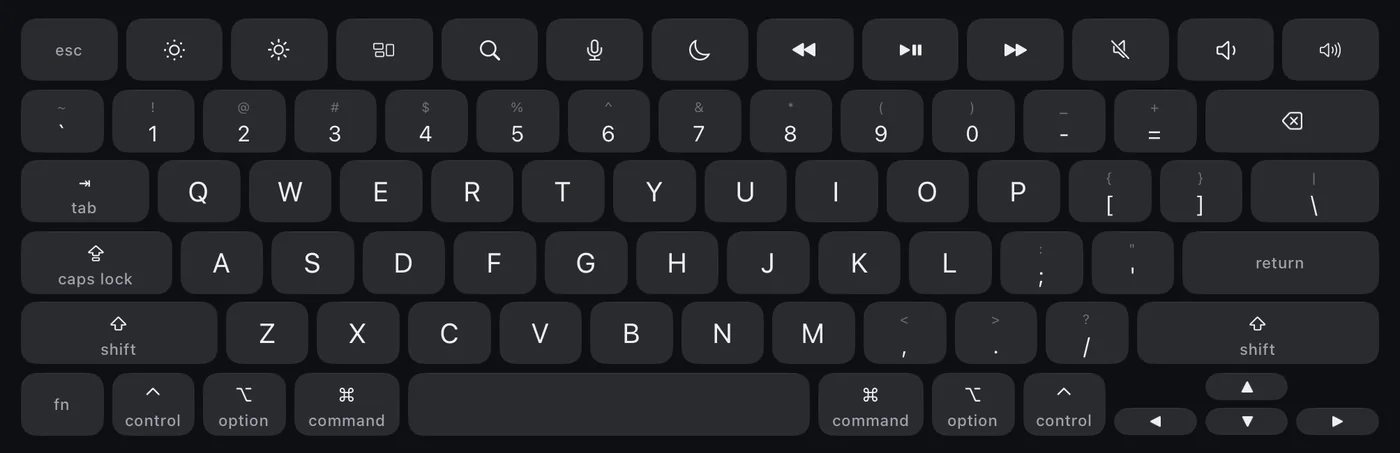
A real Mac keyboard.
A US layout with control, option, command, fn, and arrow keys. Press several at once for real shortcuts, and switch the top row between media keys and F1–F12.
Half-fold an iPhone Duo and it’s a small laptop: your Mac on the upper screen, a Mac keyboard and trackpad on the lower one. Laplet runs on iPhone and iPad too.
Free. Apple silicon, macOS 14 or later.

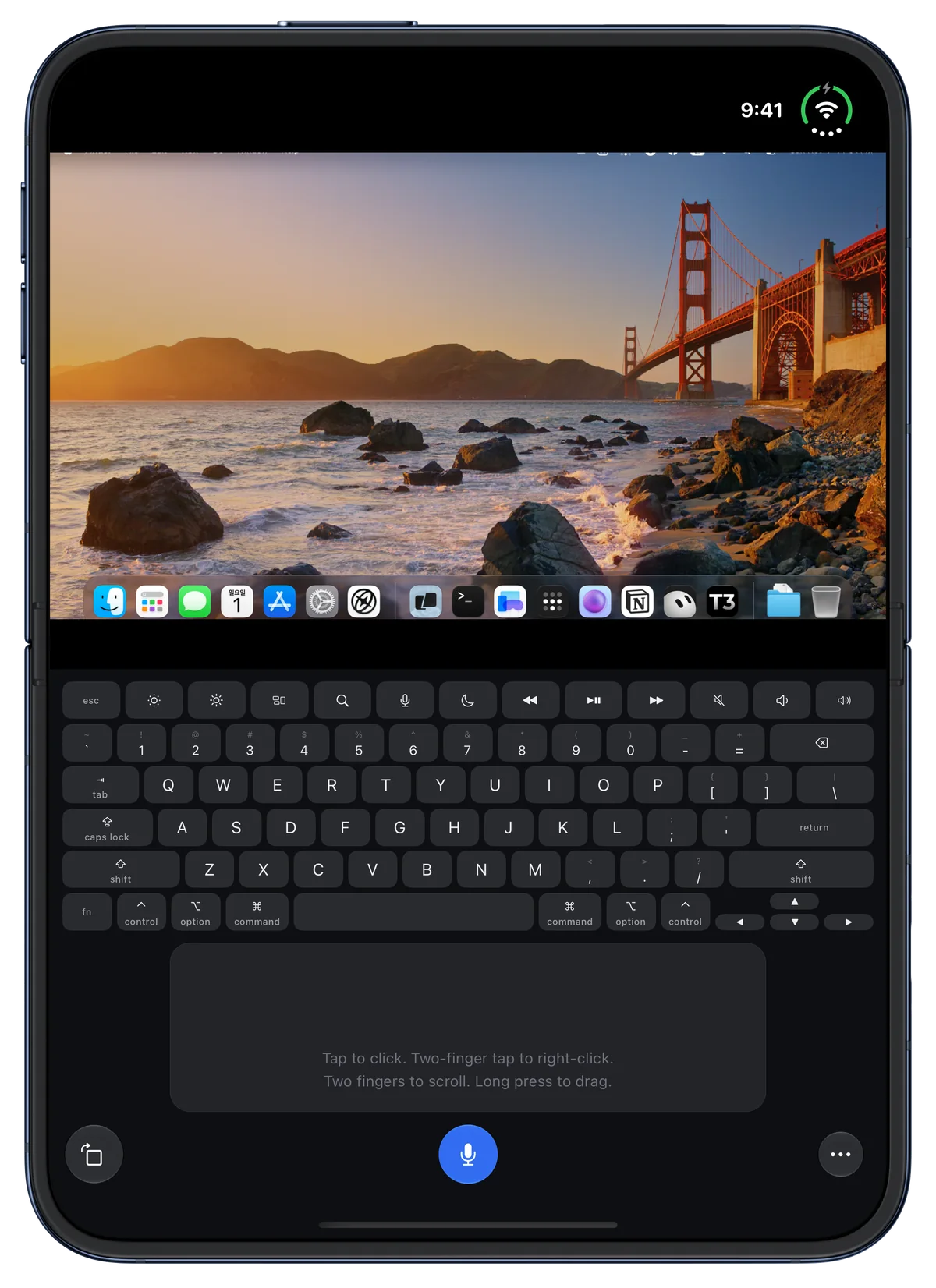
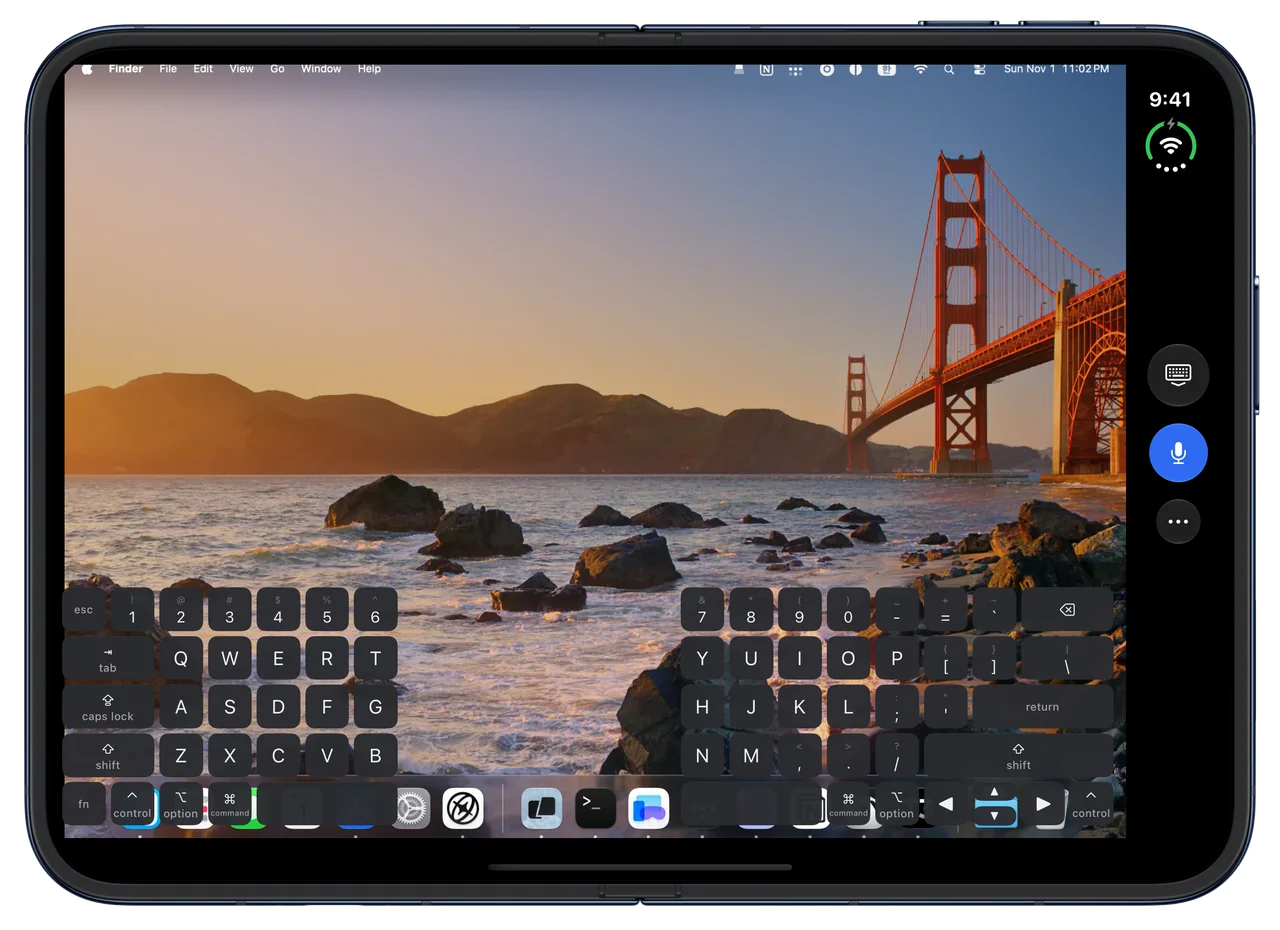
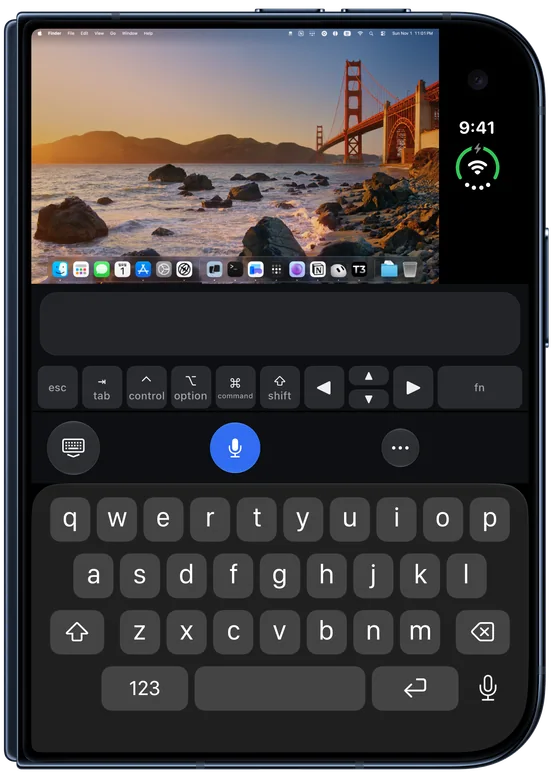
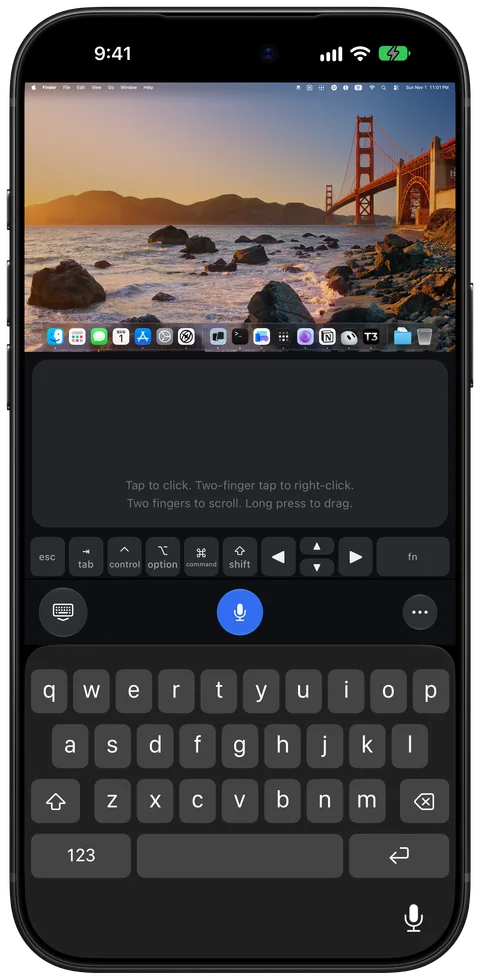
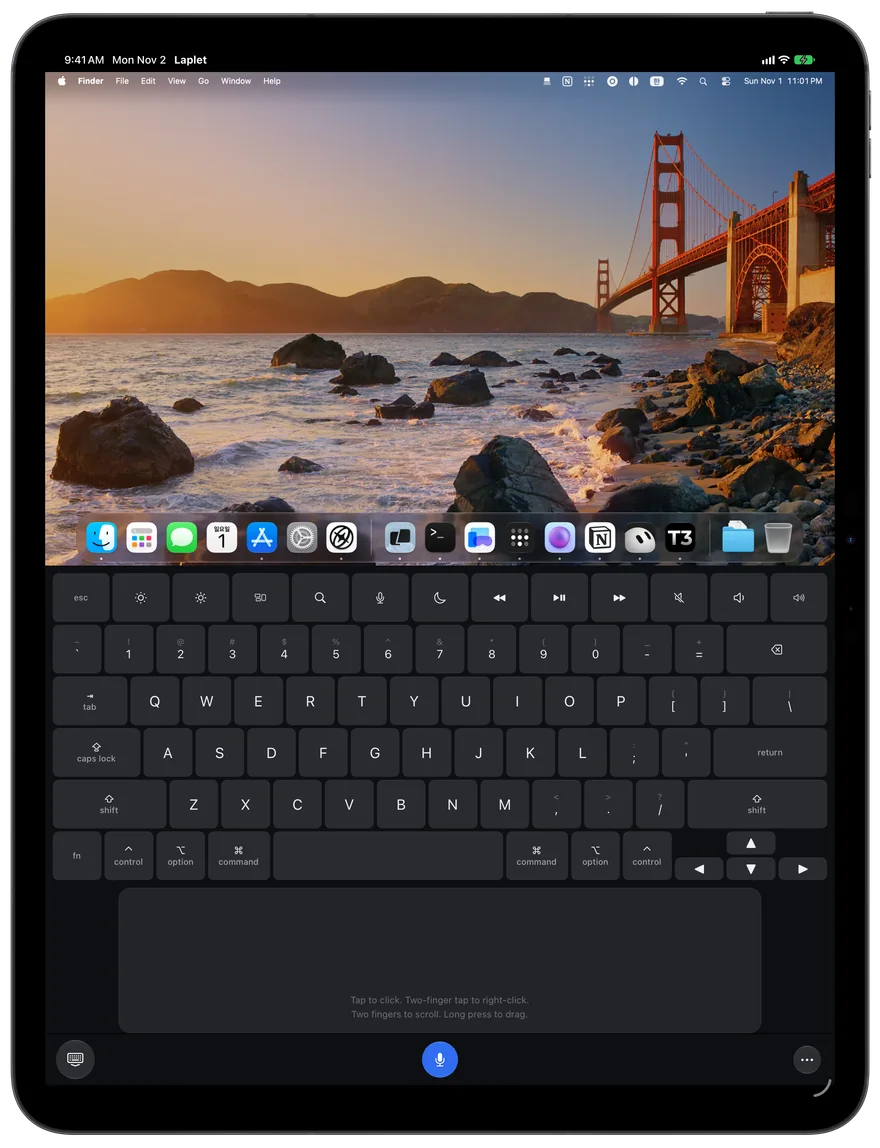
A US layout with control, option, command, fn, and arrow keys. Press several at once for real shortcuts, and switch the top row between media keys and F1–F12.
Tap to click. Two-finger tap to right-click. Scroll with two fingers, long press to drag. Or hold the space bar and use the keys as a trackpad.
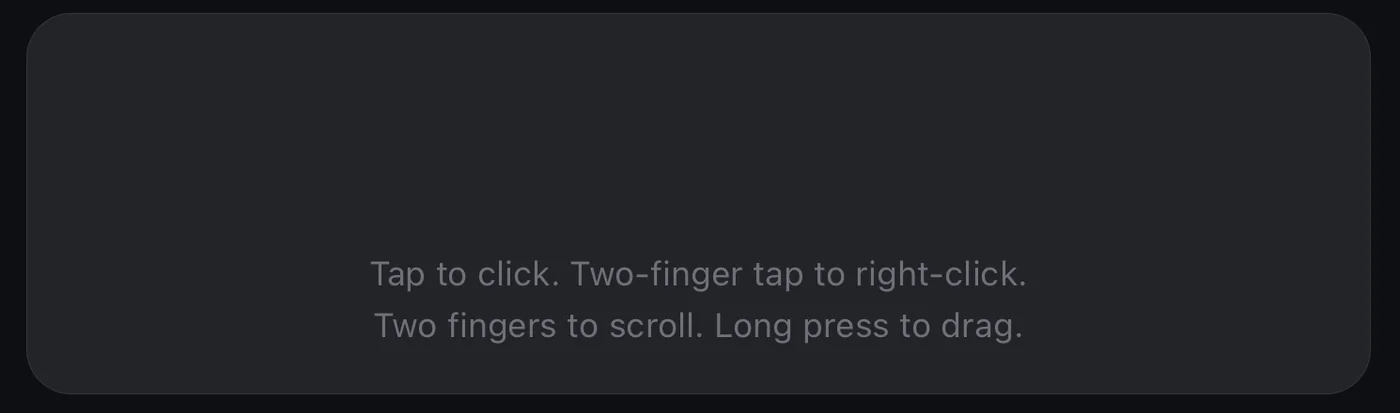
For the length of a session your Mac takes the shape of your screen. It goes back when you disconnect.
Video and input travel encrypted with TLS 1.3 from your device to your Mac and never pass through a developer server. There’s no account to create and no analytics in the app. Read the privacy policy.
The Mac app lives in your menu bar and sends your screen to your device. Connecting takes three steps.
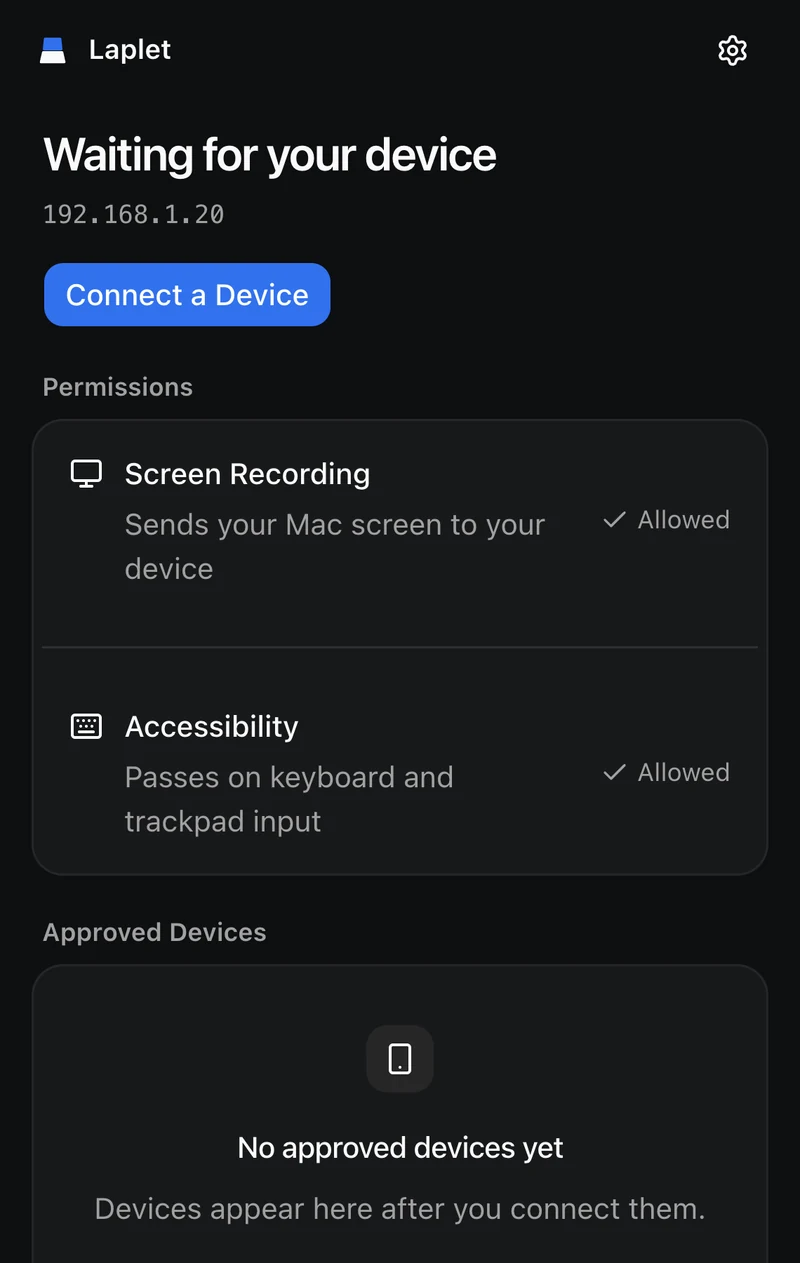
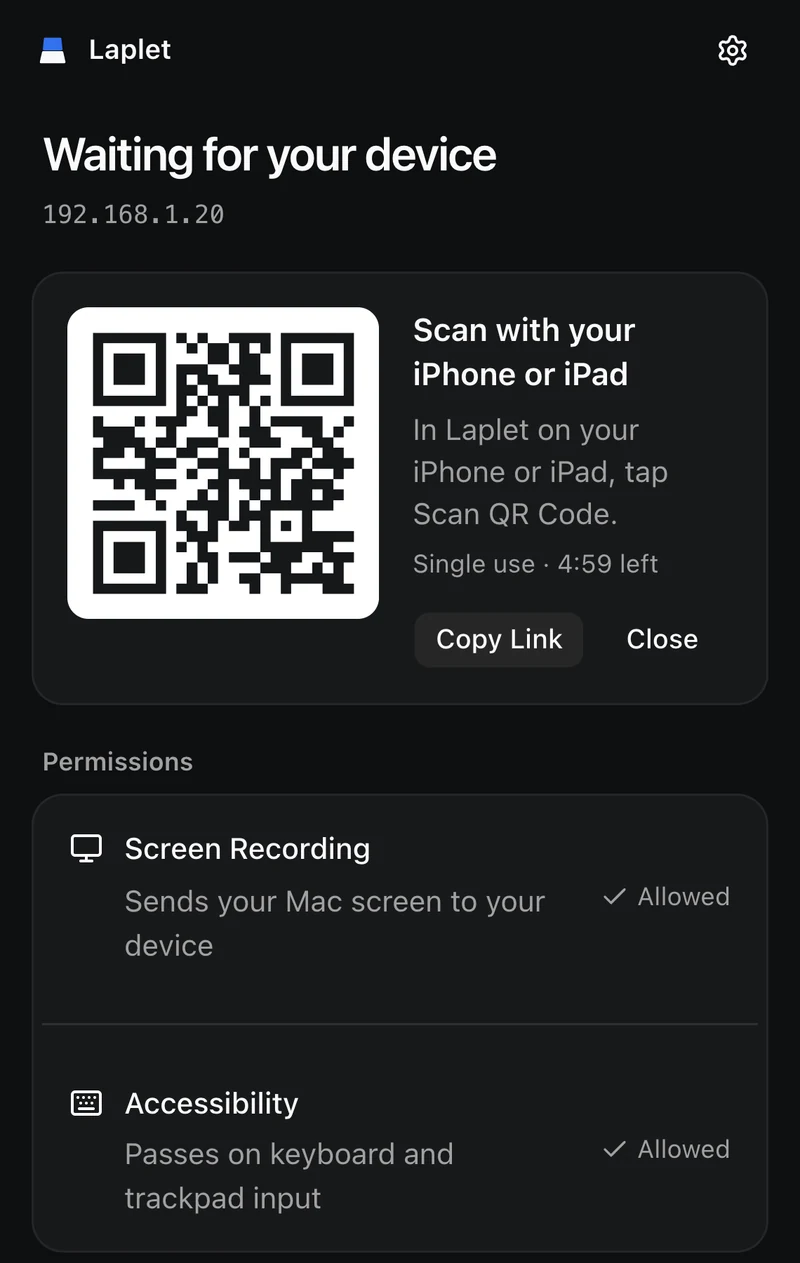
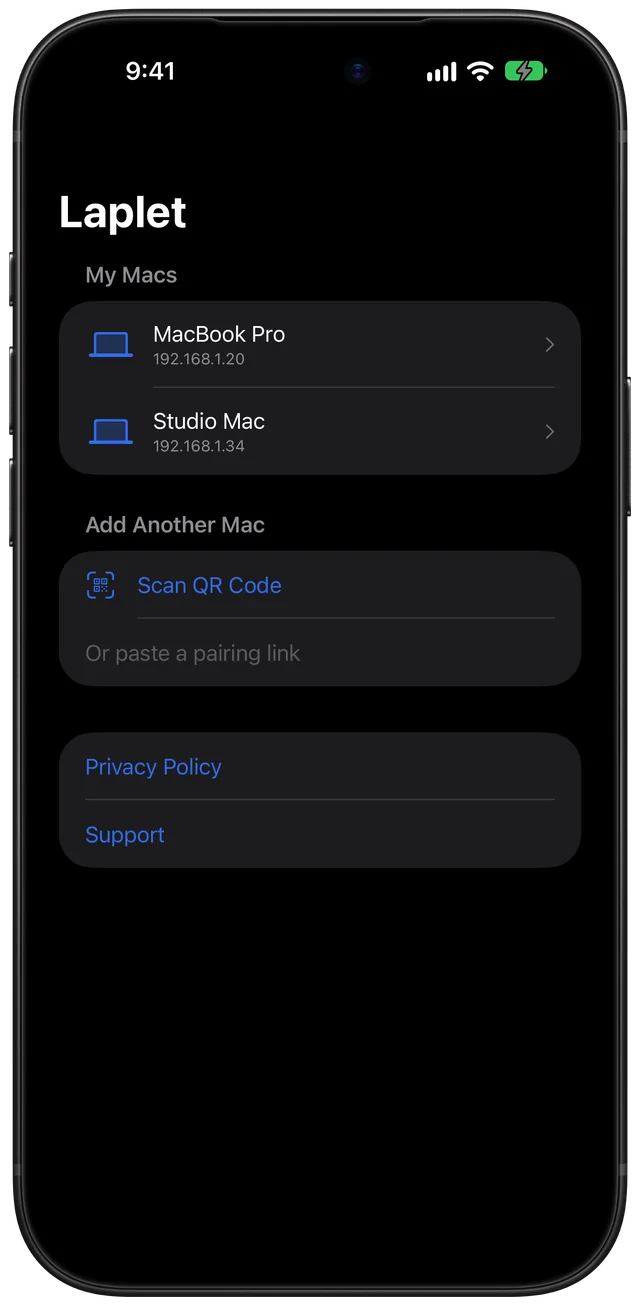
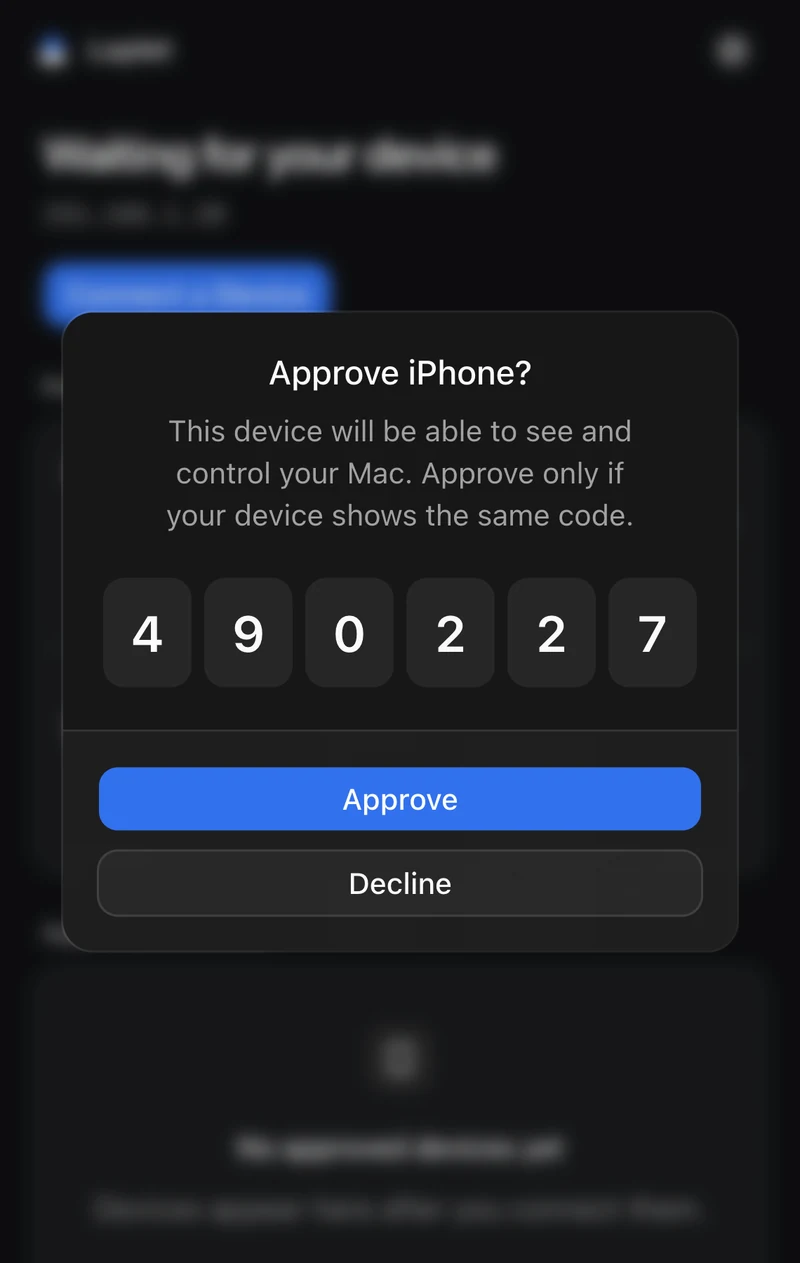
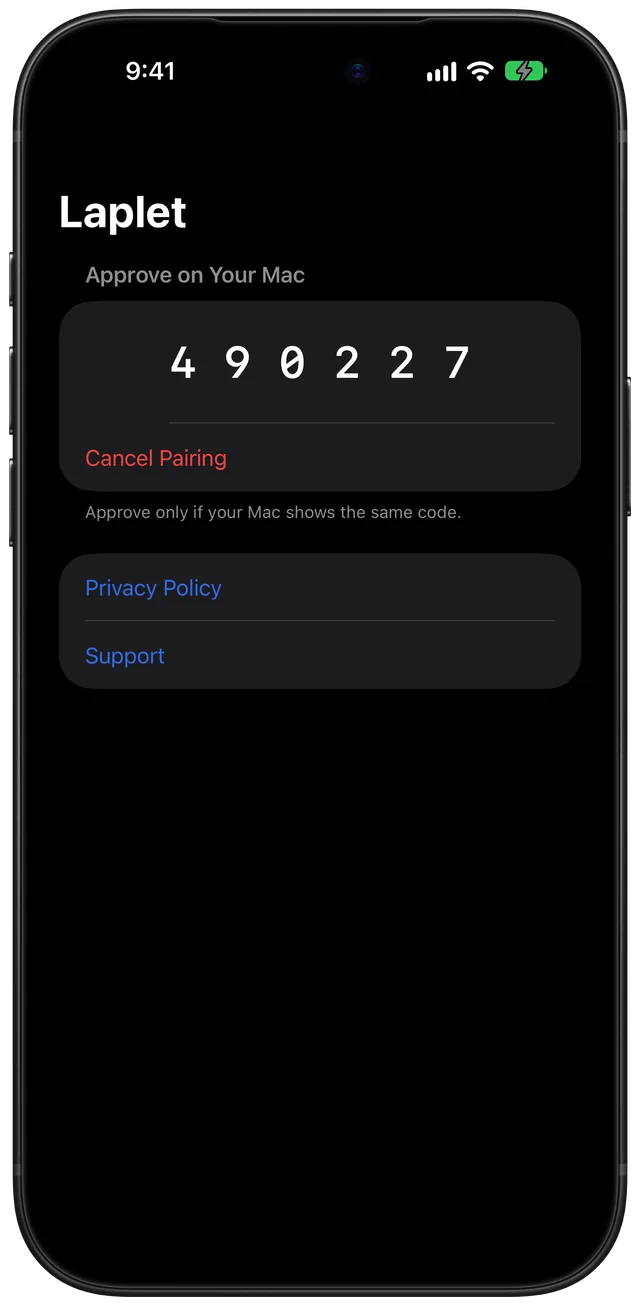
On the same Wi-Fi, that’s all. To reach your Mac from somewhere else, install Tailscale on both devices and sign in to the same account.
Version 1.0.0, 4.95 MB. Signed with an Apple Developer ID.
Apple is still notarizing this build. Until it finishes, macOS may say it can’t verify Laplet: click Done, then go to System Settings > Privacy & Security and click Open Anyway.
The iPhone and iPad app isn’t on the App Store yet.
476361e4c6af0e68799ce39eeac37ff056495b4cf824e24beda782eef4eabf09